
Apr 16, 2026
The Paralegal Pathfinder Notion Template: The Job Application System Built for Aspiring Legal Professionals
Read Time
7 Mins
Category
Careers
Getting a paralegal role is more competitive than most people expect. Law graduates, career changers, and legal support staff are all going after the same positions — often at firms that receive dozens of applications for a single vacancy. The candidates who stand out are rarely the ones who worked the hardest in the hours before the deadline. They are the ones who researched the firm properly, tailored their application to the role, and prepared for the interview with more than a generic list of competency questions.
That kind of preparation requires a system. Most candidates do not have one.
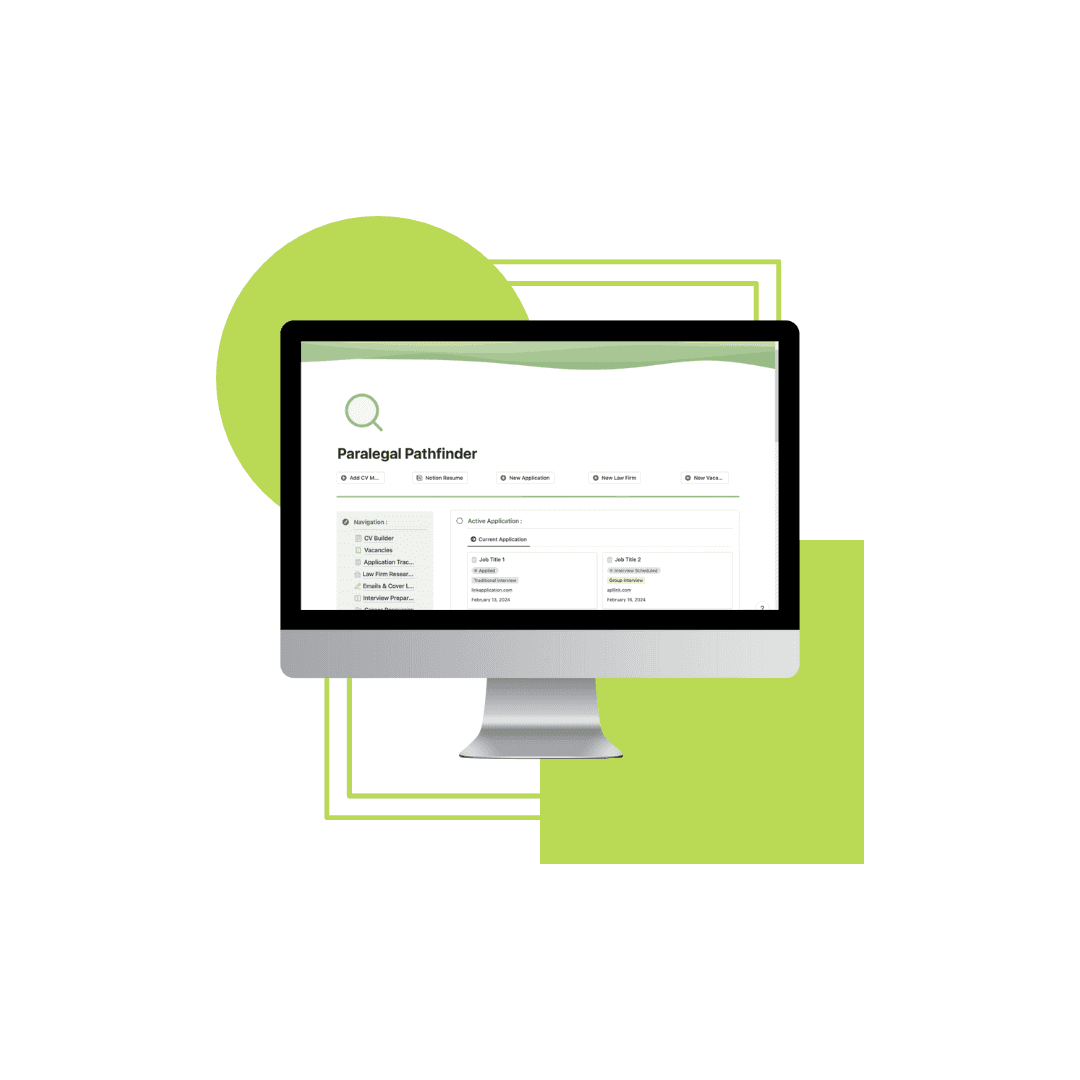
The Paralegal Pathfinder Notion Template is a structured digital workspace designed to manage your entire job search in one place — from the moment you spot a vacancy to the day you receive an offer.
The Problem With Most Paralegal Job Searches
The typical paralegal job search looks like this: a LinkedIn tab, a folder of slightly different CV versions, a notes app full of firm names, and a rough mental picture of which applications are still live. It holds together until it doesn't — a missed deadline, a cover letter sent to the wrong firm, an interview you underprepared for because you lost your research notes.
The problem is not effort. Most candidates apply hard. The problem is that managing multiple applications across different firms, practice areas, and stages of the process is genuinely complex and trying to do it across disconnected tools creates gaps that cost opportunities.
A paralegal job search done properly involves: tracking vacancies before they close, tailoring your CV for each role, writing cover letters that reflect the specific firm, researching that firm before you write a word, preparing for each interview individually, and following up at the right time. That is not a spreadsheet job. It requires a workspace.
What the Paralegal Pathfinder Is
The Paralegal Pathfinder is a structured digital workspace built in Notion — a free platform available on desktop and mobile — designed specifically for candidates applying for paralegal roles.
It is not a CV template. It is not a generic job tracker. It is a complete job search management system, built around the specific demands of applying to law firms: the research required, the tailoring expected, and the volume of moving parts involved in running multiple applications simultaneously.
What's Inside the Template
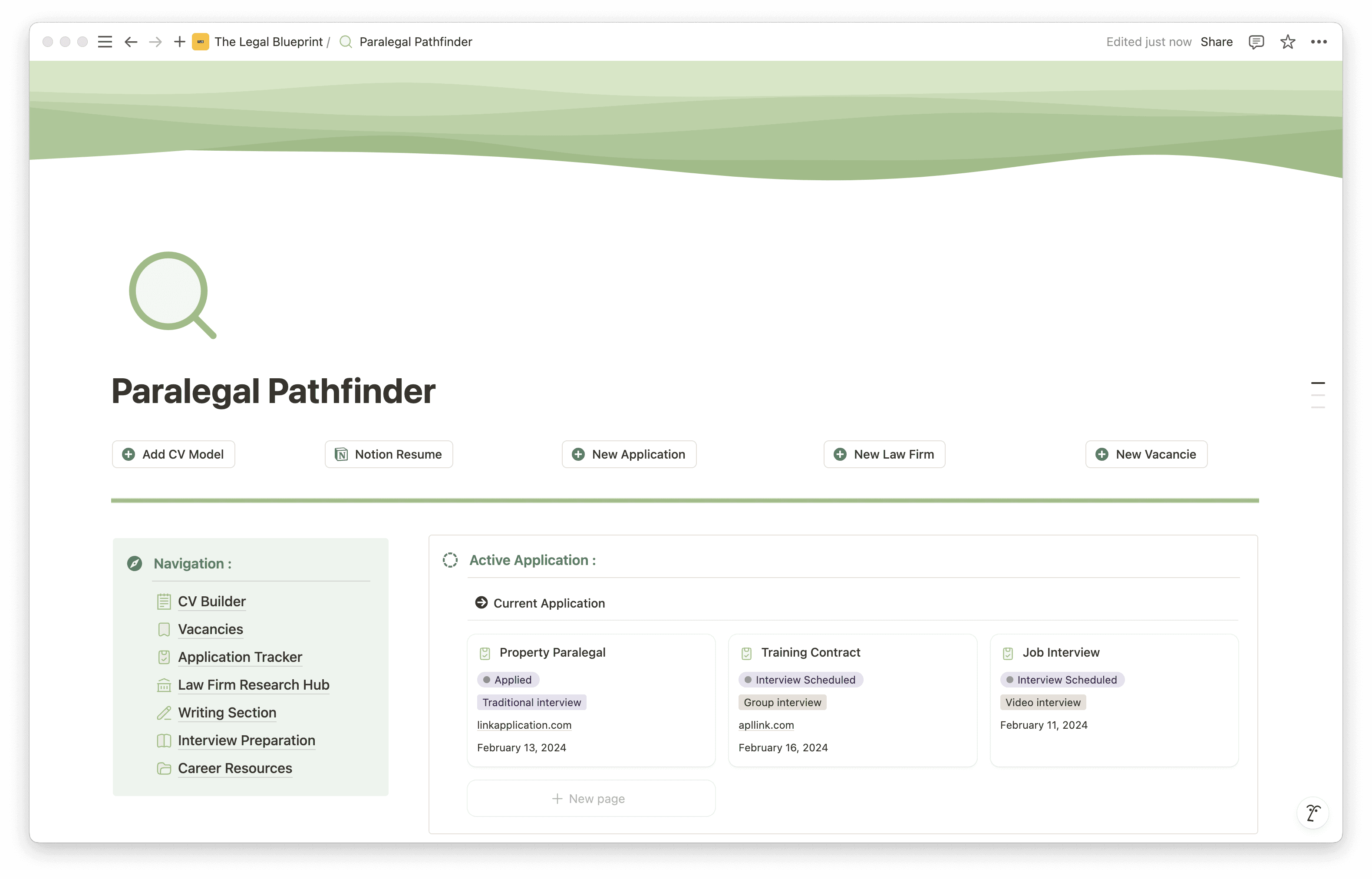
Streamlined Dashboard
The dashboard is your command centre — an at-a-glance view of your active applications, upcoming deadlines, and key tasks. Rather than reconstructing the state of your job search from memory every time you sit down to work on it, the dashboard surfaces what is live, what is pending, and what needs attention next.
CV Workshop
A dedicated space for drafting, refining, and organising your CV. You can keep multiple versions alongside each other — useful when tailoring applications to different firm types or practice areas — and track which version was sent to which firm. The legal job market is competitive; the CV workshop is where you build an application that holds up.
Cover Letters and Emails Hub
Each application deserves a tailored cover letter. The template gives you a structured workspace for drafting and refining them, with space to adapt each one to the specific firm and role. This is a working environment for writing cover letters that actually reflect the firm you are applying to — not a repository for a single generic letter sent everywhere.
Vacancy Archive
Organise and track job listings in one place. When you spot a relevant role, add it to the archive with the details you need — firm name, practice area, deadline, application status. No more relying on browser bookmarks or half-remembered search results to find the listing again.
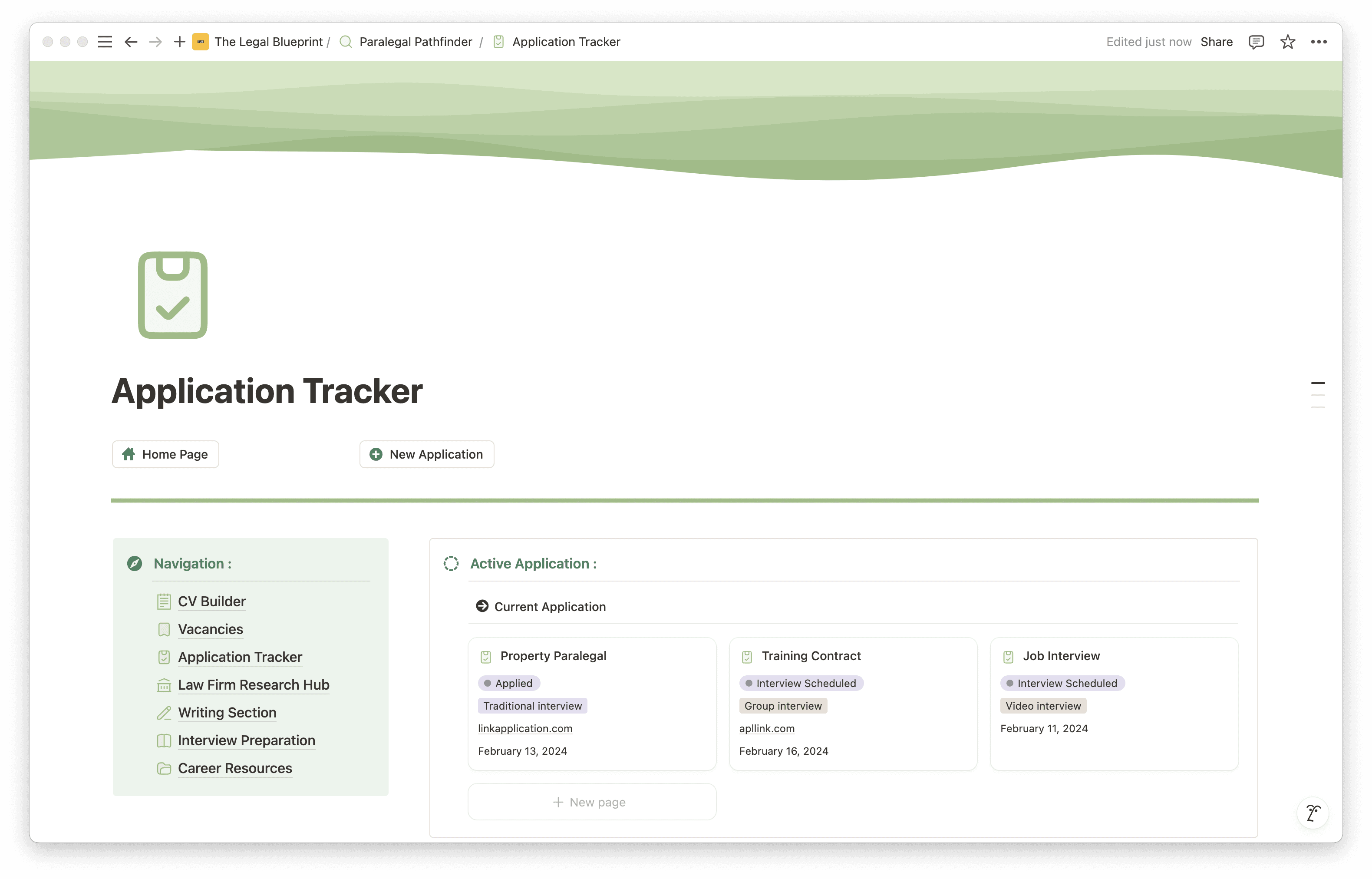
Application Monitoring
Track every application from initial submission through to interview and outcome. The monitoring view gives you a clear picture of where each application sits in the process — what has been submitted, what is awaiting a response, and what requires follow-up. Managing multiple applications without this kind of overview leads to missed opportunities and avoidable mistakes.
Law Firm Research Hub
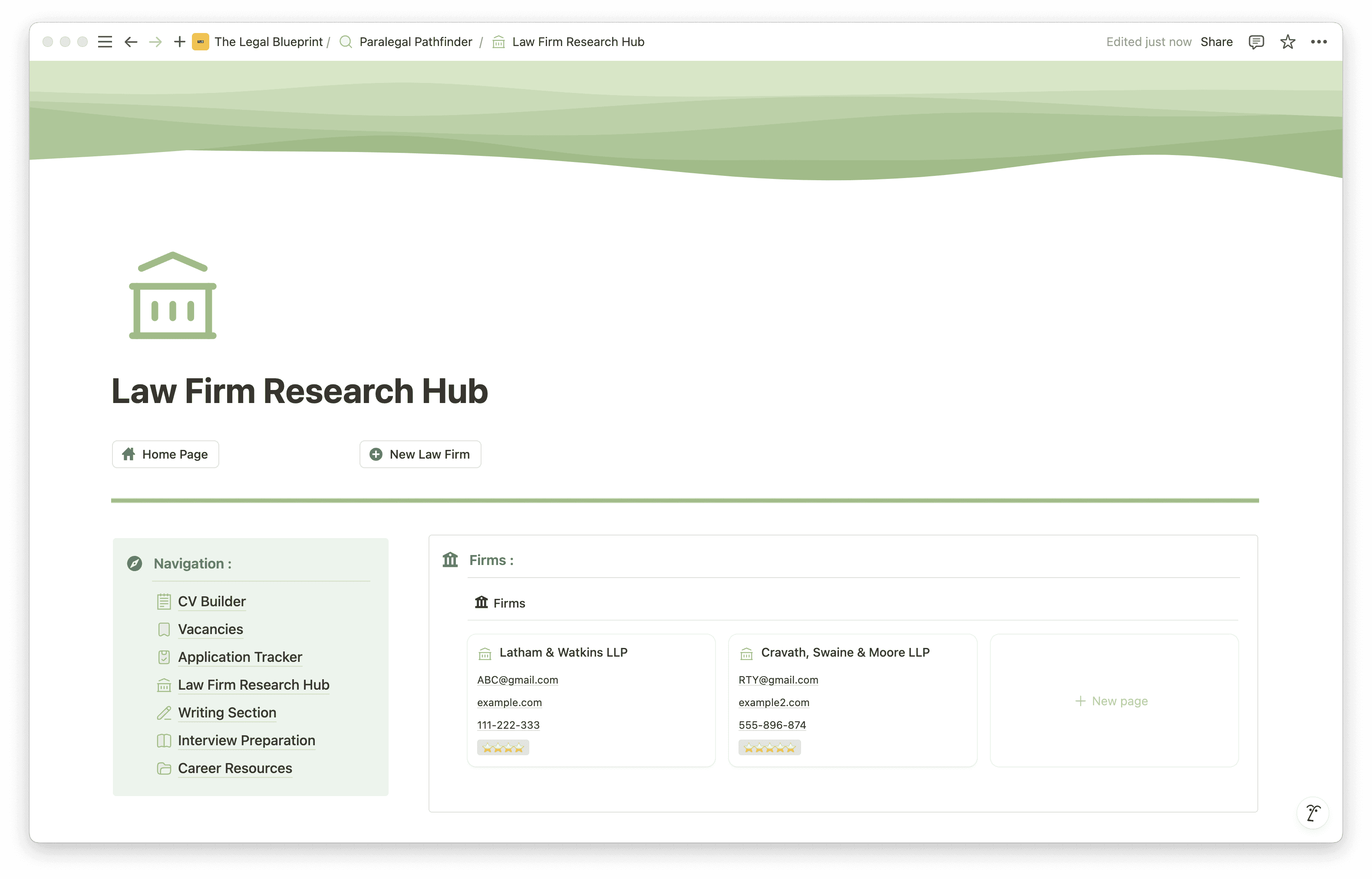
A dedicated space for building intelligence on the firms you are targeting. Research their practice areas, culture, notable cases, and recent news — and keep it all in one place so you can draw on it when tailoring your application and preparing for interview. Firms notice when a candidate has done their homework. This is where you do it.
Interview Preparation Tools
A custom question bank and feedback recorder for interview preparation. Build a bank of likely questions for each firm, draft and refine your answers, and log feedback from practice sessions. Structured interview preparation — specific to each firm, not generic — is the most direct way to perform well under pressure.
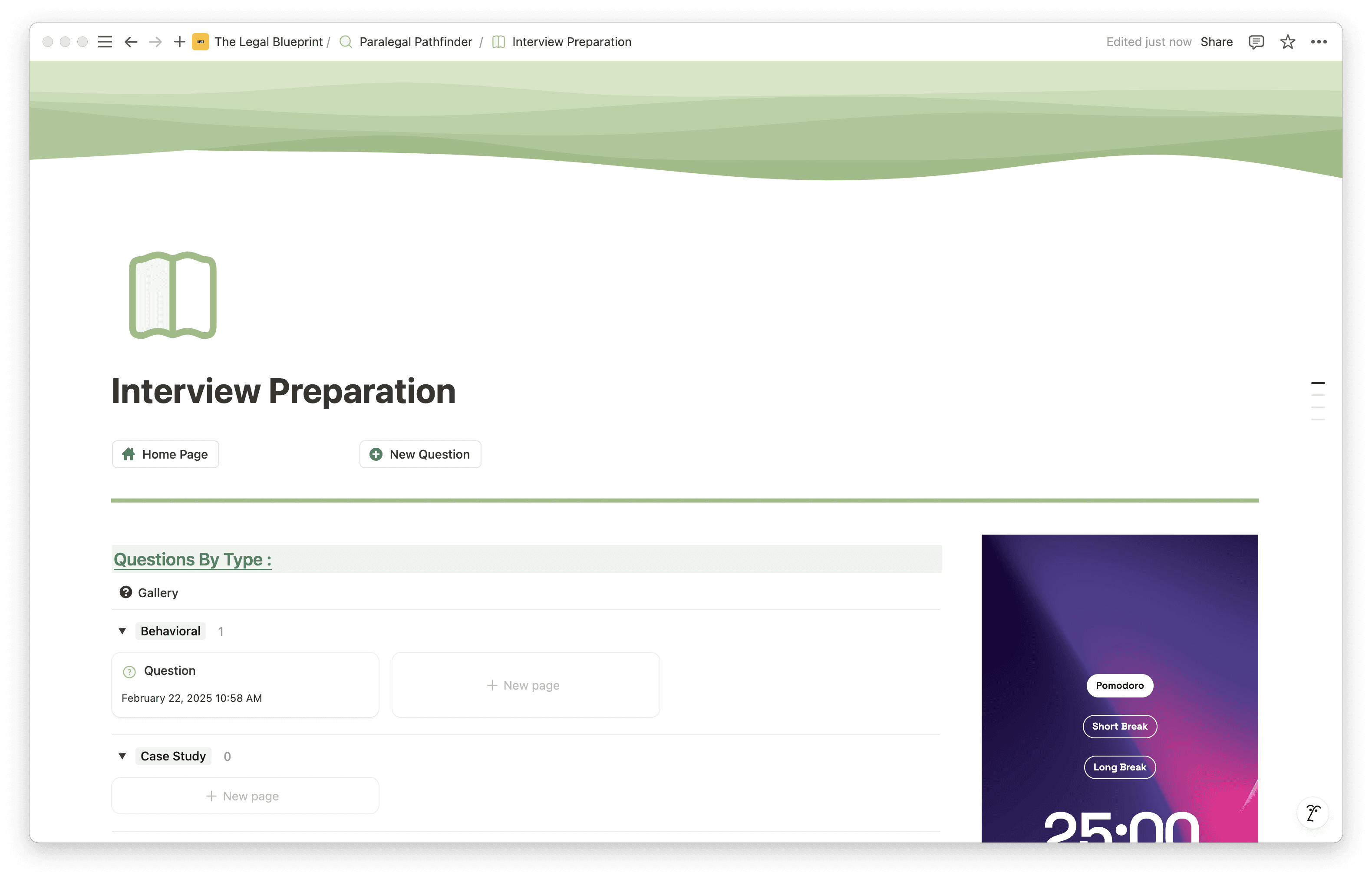
Career Resources Library
A space for collecting resources relevant to your job search and professional development — webinars, industry news, seminars, and anything else you want to keep accessible. Staying informed about the firms and practice areas you are targeting is part of being a competitive candidate.
Well-Being Section
Job hunting is demanding. The well-being section provides space for journaling, goal tracking, and reflection — because a candidate managing their mental load effectively is a better candidate. It is not an afterthought in the template, and it should not be one in your search.
Who Is This Template For?
The Paralegal Pathfinder is built for three types of candidates:
Law graduates entering the legal job market who are applying to multiple firms simultaneously and need a system to manage the process without losing track of where each application stands.
Career changers moving into law who are approaching the paralegal market for the first time, need to build their knowledge of target firms from scratch, and want to manage their CV versions and cover letters without confusion.
Existing paralegals looking for a new role who are running a job search alongside a full-time position and cannot afford to let applications slip through the cracks because they were relying on memory and a spreadsheet.
If you are applying for paralegal roles and your current system is a combination of browser bookmarks, email drafts, and a rough mental list, the Paralegal Pathfinder is what replaces that.
How to Get Started
Setup takes under five minutes.
Get the template via the link below
Create a free Notion account at Notion if you do not already have one
Duplicate the template into your workspace using the button in the top-right corner
Add your active applications to the monitoring tracker first — get the live picture in front of you immediately
Open the vacancy archive and log any roles you are currently tracking or planning to apply to
Use the firm research hub to start building notes on the firms at the top of your list before you write a single word of your application
The template works around whatever stage of your search you are at. You do not need to set everything up at once — start with the section that addresses your most pressing need right now.
The Difference a System Makes
The candidates who get paralegal roles are not always the most qualified. They are consistently the ones who applied to the right firms, with a tailored application, backed by real research, and who showed up to interview prepared. That does not happen without a system to support it.
The Paralegal Pathfinder gives you that system.
Duplicate it into your workspace today and run your job search the way it deserves to be run.